
MeshCentral
Table of Contents
About
Social Media
Documentation
Video Tutorials
Feedback
License
About
MeshCentral is a full computer management web site. With MeshCentral, you can run your own web server to remotely manage and control computers on a local network or anywhere on the internet. Once you get the server started, create device group and download and install an agent on each computer you want to manage. A minute later, the new computer will show up on the web site and you can take control of it. MeshCentral includes full web-based remote desktop, terminal and file management capability.
To try out this software on the public server, please visit MeshCentral.com/login. Be mindful that the public MeshCentral server comes with no guaranties, most should setup their own server.
For more information, visit MeshCentral.com.
Social Media
YouTube
Reddit
Twitter
BlogSpot
Documentation
The User's Guide contains information every adminstrator should know including usage, the server configuration file, databases, TLS offloading, Lets Encrypt, IP Filtering, Email setup, embedding, server port aliasing, reverse proxy setup, multi factor authentication, branding & terms of use, HashiCorp Vault support, and SSO.
The Installation Guide has detailed instructions for installing the MeshCentral Server on Windows 8.1, Windows 10, Windows 2012 R2, Amazon Linux 2, Raspberry Pi, Microsoft Azure, Google Cloud, Ubuntu 18, Ubuntu 16 and OpenBSD.
The Design and Architecture Guide is a short document that includes information on the design overview, dependencies, source code descriptions of each file, certificates, TLS security, the agent to server handshake, browser to agent relay and WebRTC and the messenger service.
Video Tutorials
You can watch many tutorial videos on the MeshCentral YouTube Channel. Two videos to get started involve installation and basic usages.
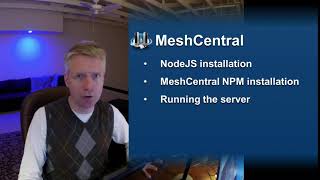
Installing MeshCentral on Windows, Linux and macOS.
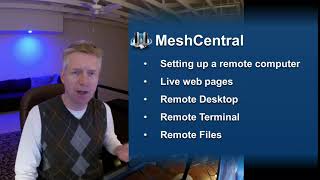
Basic Usages including installing the agent and remote desktop, terminal and file access.
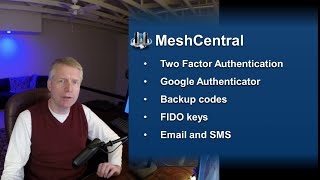
MeshCentral support for two-factor authentication.
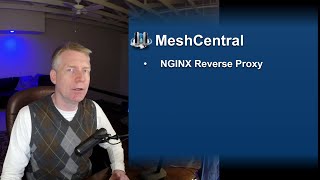
How to setup MeshCentral with the NGINX reverse proxy.
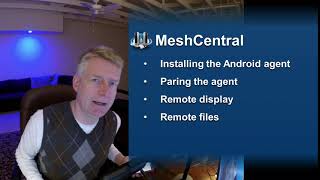
Installing and using the MeshCentral Android agent.
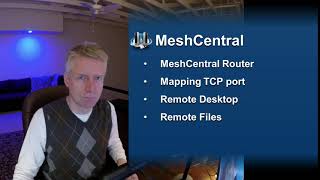
Using MeshCentral Router to port map TCP connections.
Feedback
If you encounter a problem or have a suggestion to improve the product, you may file an issue report
If you are filing a problem report, you should include:
- The version of the software you are using
- The Operating System and version
- The observed output
- The expected output
- Any troubleshooting you took to resolve the issue yourself
- Any other similar reports
If you are having issues with the following other products, you should file a report on their respective issue pages
MeshAgent
MeshRouter
License
This software is licensed under Apache 2.0.